
Forza Horizon 6 Crossplay Guide TL;DR
-
Crossplay is on by default. Toggle it: Pause Menu > Campaign > Settings > HUD and Gameplay > Online Crossplay.
-
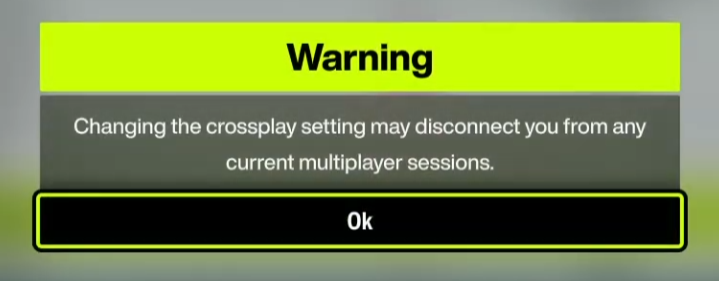
Turning it off mid-session shows a disconnect warning.
-
Co-op uses the Convoy system - add your friend first, then send an invite.
-
Most activities are co-op compatible, including story races at different campaign stages.
-
Barn finds are individual - Discover Japan progress can't be shared or bypassed.
-
FH6 supports full cross-progression - cars, credits, and story progress sync across Xbox and PC via your Microsoft account. A series first.
Want to hit the ground running with a loaded garage? Check out Forza Horizon 6 accounts on Playhub - verified listings, safe checkout, skip the grind.
Forza Horizon 6 Crossplay Basics: How to Toggle It
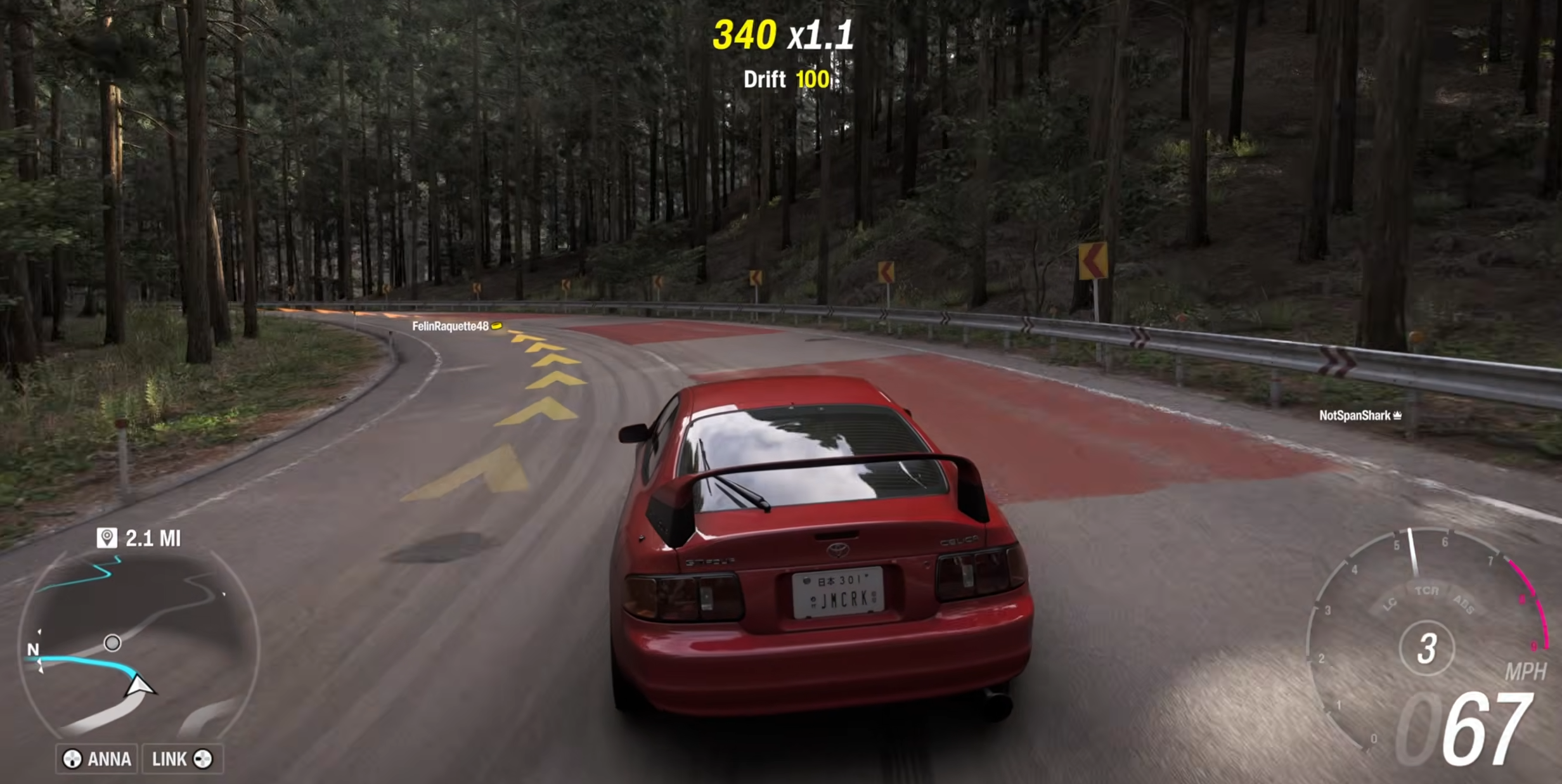
FH6 crossplay is on by default - confirmed in Forza's official launch FAQ - so most players won't need to change a thing. If you do want to toggle it, here's the exact path (with screenshots, of course):
-
Open the Pause Menu - press your menu/start button mid-session.
-
Go to the Campaign tab.
-
Select Settings.
-
Choose HUD and Gameplay on the left panel.
-
Find Online Crossplay and move the slider left to disable, right to enable.
Note for Steam players: before anything else, go to Settings > Linked Platforms and link your Microsoft account. Skip this and crossplay silently fails - no error, no warning, friends just won't appear.
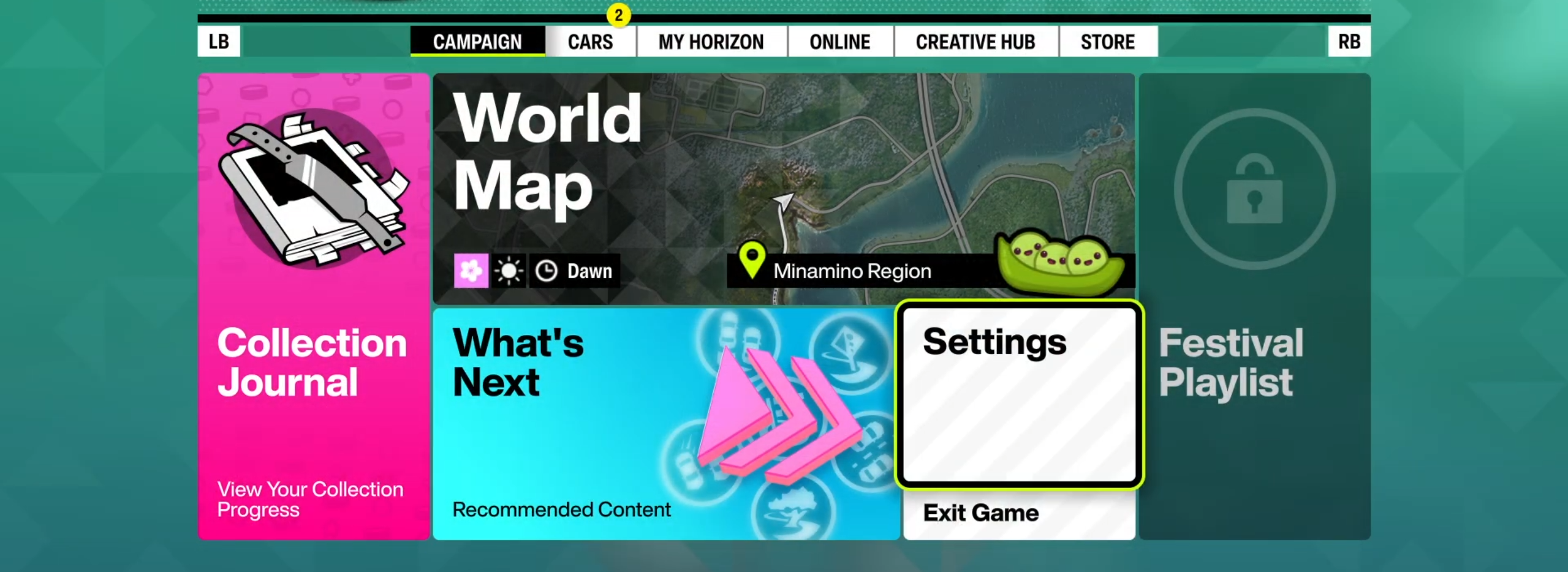
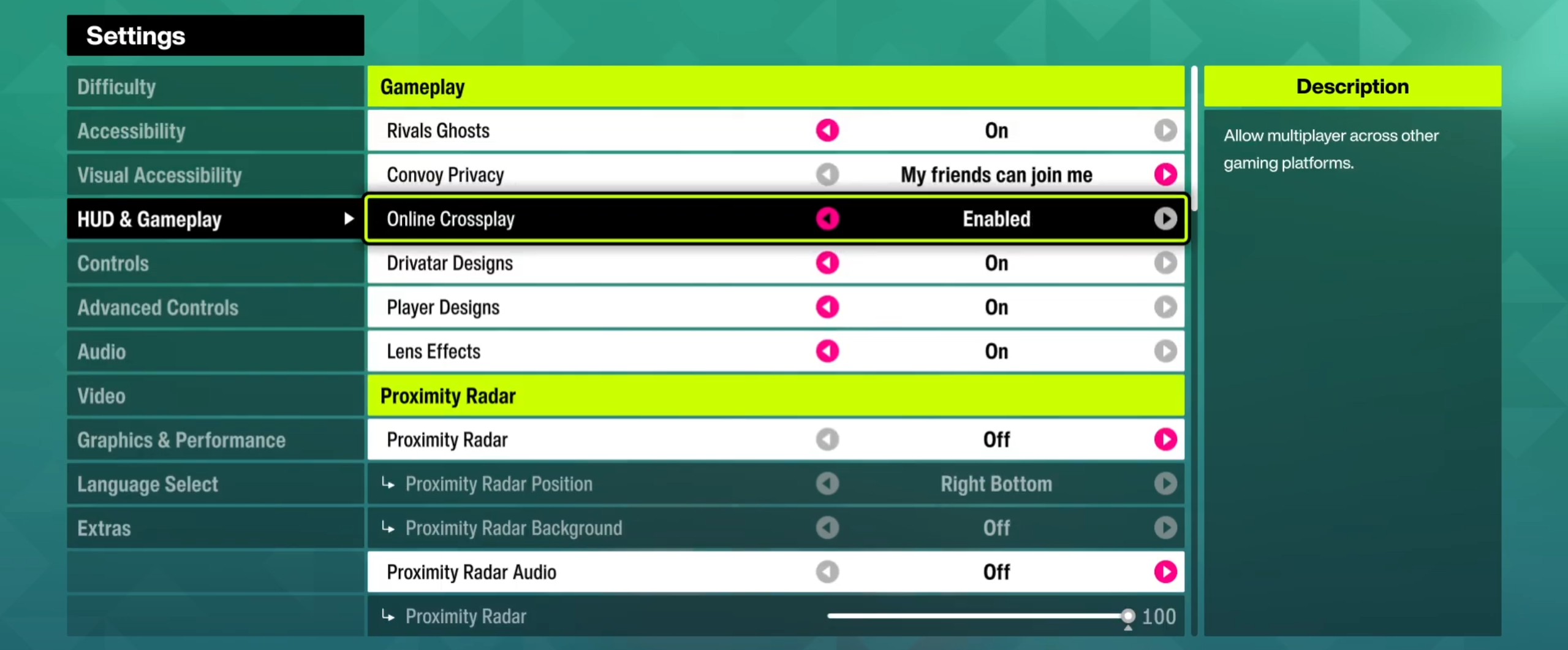
If you're in an active session, the game shows a disconnect warning before applying the change - toggle this before going online to avoid any surprise boots.
How Co-op Works in Forza Horizon 6
Co-op play within FH6 runs through the Convoy feature, which allows a player to share the map with one or more friends through their Convoy session. Private Convoys hold up to 12 players; open Horizon Life free-roam sessions fit up to 72 players simultaneously for real immersion.
Step 1 - Add Your Friend First
First thing first, add that person who will be your driving buddy to your friends' list on the Xbox platform. This goes for both Xbox and PC gamers since crossplay is supported here; however, the connection to your friend’s list must be done first.
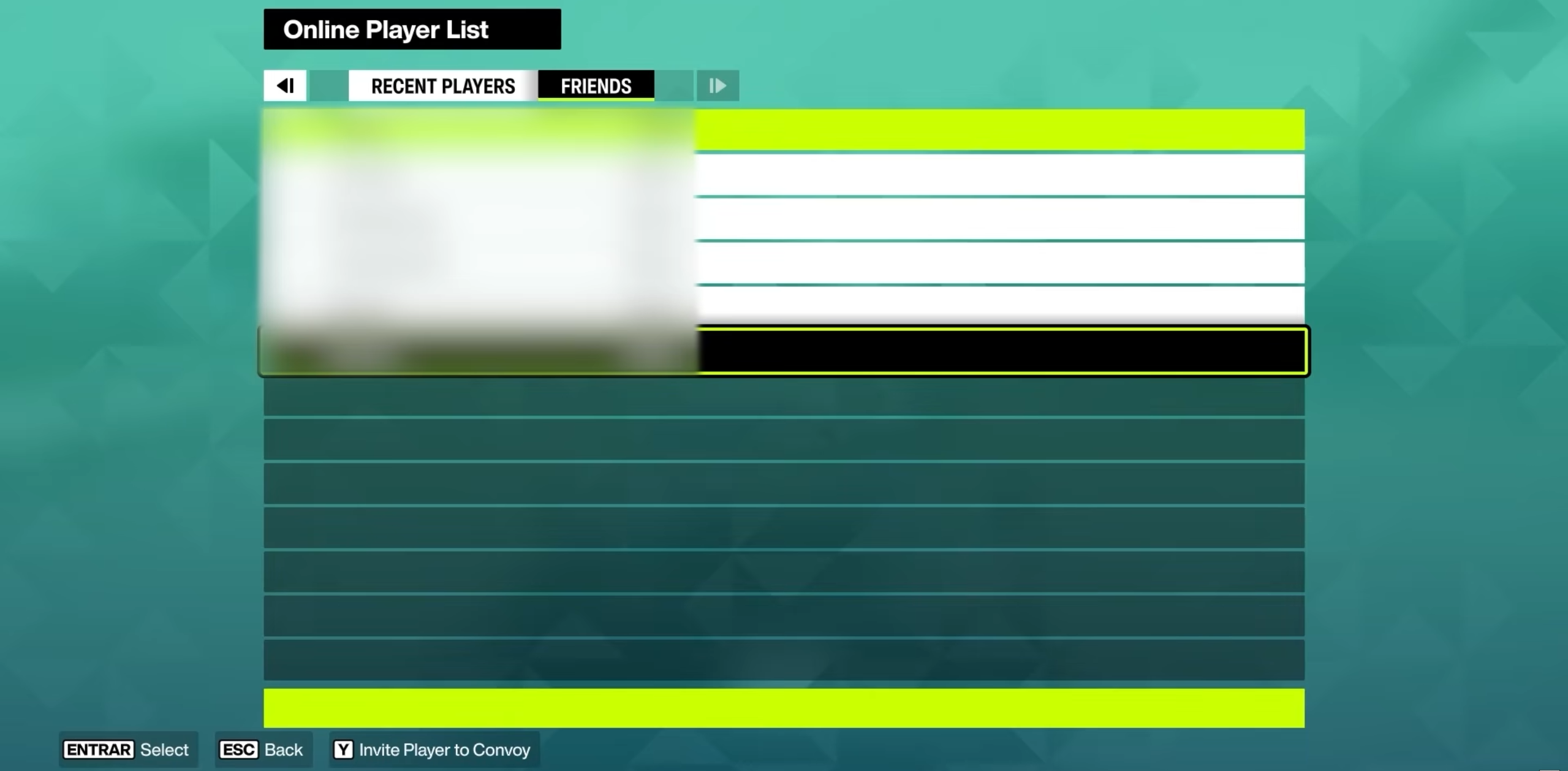
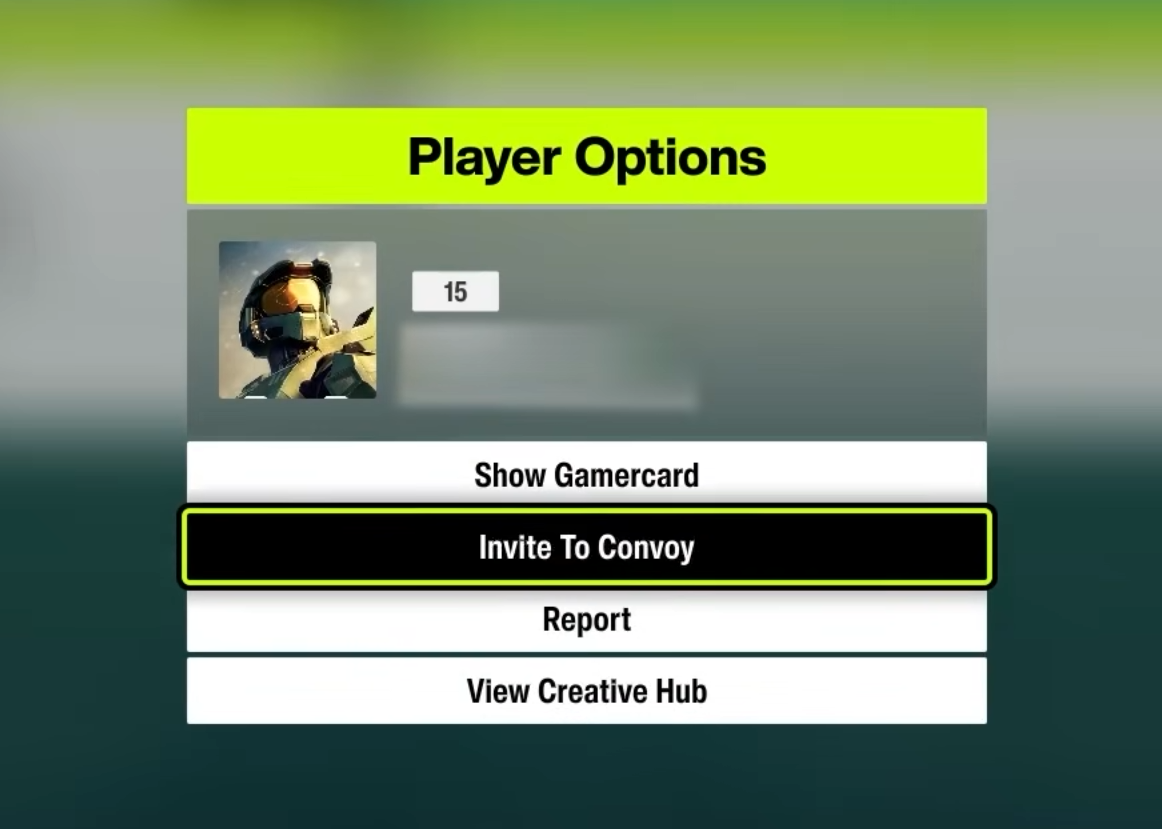
Step 2 - Send a Convoy Invite
Look for them in the game and invite them into your convoy ride. After they accept it, they will show up on your map without a lobby or any kind of waiting period. Pretty convenient, works for me.
Joining a Shared World - No Loading Screens 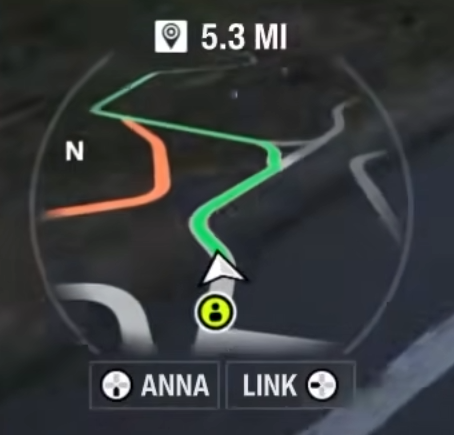
If a buddy is joining your convoy in FH6, rest assured, it will be totally seamless - you'll see him or her immediately without any interruptions from either player's side. Dude, this is awesome! To play without load screens in an online game is sheer bliss. Being the host, you just keep going; being the buddy, you'll get notified, and boom, you're in the game. Think back to load screens of previous Horizon titles... FH6 makes them seem archaic.
What You Can Do Together in Co-op
Short answer: almost everything. Here's the breakdown of co-op activities:
|
Activity |
Co-op Available? |
Notes |
|---|---|---|
|
Roaming Freely |
Yes |
Seamless; both host and invitee get to see each other without any loading screens |
|
Story Races |
Yes |
Still works despite the campaign level of each convoy member being different |
|
Side Stories & Challenges |
Yes |
Shared experience by all members of the convoy |
|
Early Raceband Events |
Partial |
Subject to some limitations based on convoy member progression; does not always work for everyone |
|
Treasure Cars |
Yes |
One player's location knowledge unlocks the collection for the entire convoy |
|
Barn Finds |
No |
Associated only with the Discover Japan ranking of each player, it cannot be avoided using co-op |
|
Group Marker Placement |
Host Only |
Accessible only to the host of the convoy |
Story Events With Friends at Different Progression
Yes, you can run story events even if your friend hasn't reached them yet! I tried starting several events like Mech My Day - a story race against a robot - and my friend, who hadn't unlocked it, could still join and complete it. Early raceband events are the one exception with some restrictions, but the rest of the story is fair game.
Treasure Cars vs. Barn Finds in Co-op
Treasure cars – they are shareable. One friend knows where they are, takes the group to the location, and then all players gather the car. From the Forza progression notes, we know that Barn finds are not shareable since they are obtained via Discover Japan stamp progression. You have to collect the stamps to reach the Master Explorer status, and this progress is individual, unfortunately.
How Events Work in a Convoy
If someone in your convoy initiates a race or an activity, the system will automatically invite all members. The process is straightforward - free roam as a crew (or separately), initiate an event, and join together. When the activity is finished - back to free roam again. No need for planning whatsoever.
As a matter of fact, if we can’t decide on what to choose in the convoy, I usually separate from my friends and head towards the event location - yet another fun mini racing game to check, who can reach their dream event marker faster.
Group Markers - Host Only
Group markers can only be placed by the convoy host and are visible to all players in the convoy. Other members navigate individually, so sort out who's hosting before planning any shared routes.
Also check other Playhub FH6 guides: