
GTA 6 Saving TL;DR
-
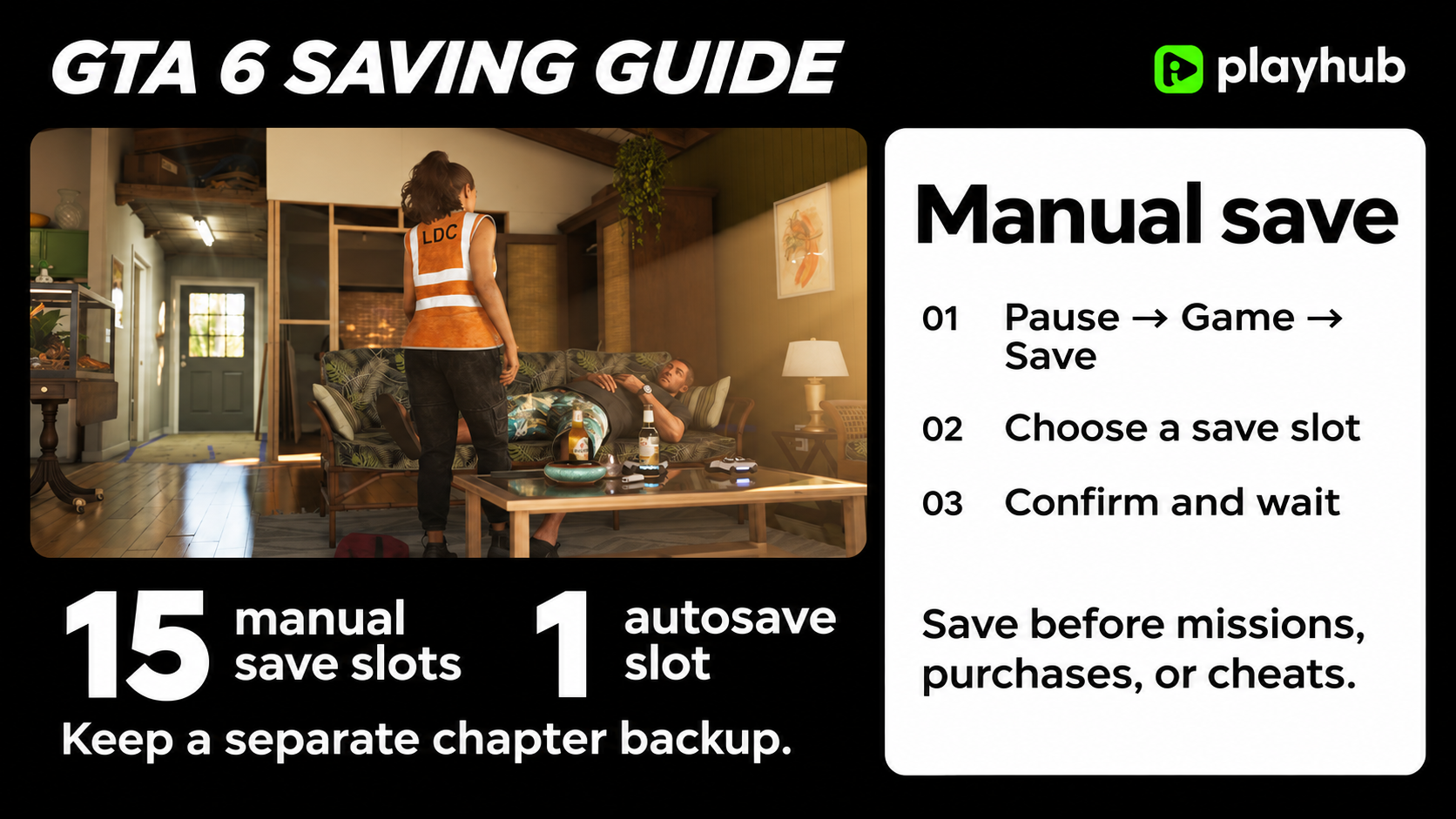
Manual save: Pause the game, select Game → Save, and choose a slot. You get 15 manual slots and one separate autosave slot.
-
Reloading: The pause menu also contains the load option for returning to an earlier save.
-
Cheats disable saving, so make a backup first.
Buying a game account is the best budget way of getting the game. You can get great deals on GTA 6 accounts on Playhub and get it delivered quickly from trusted sellers.
How to Manually Save in GTA 6
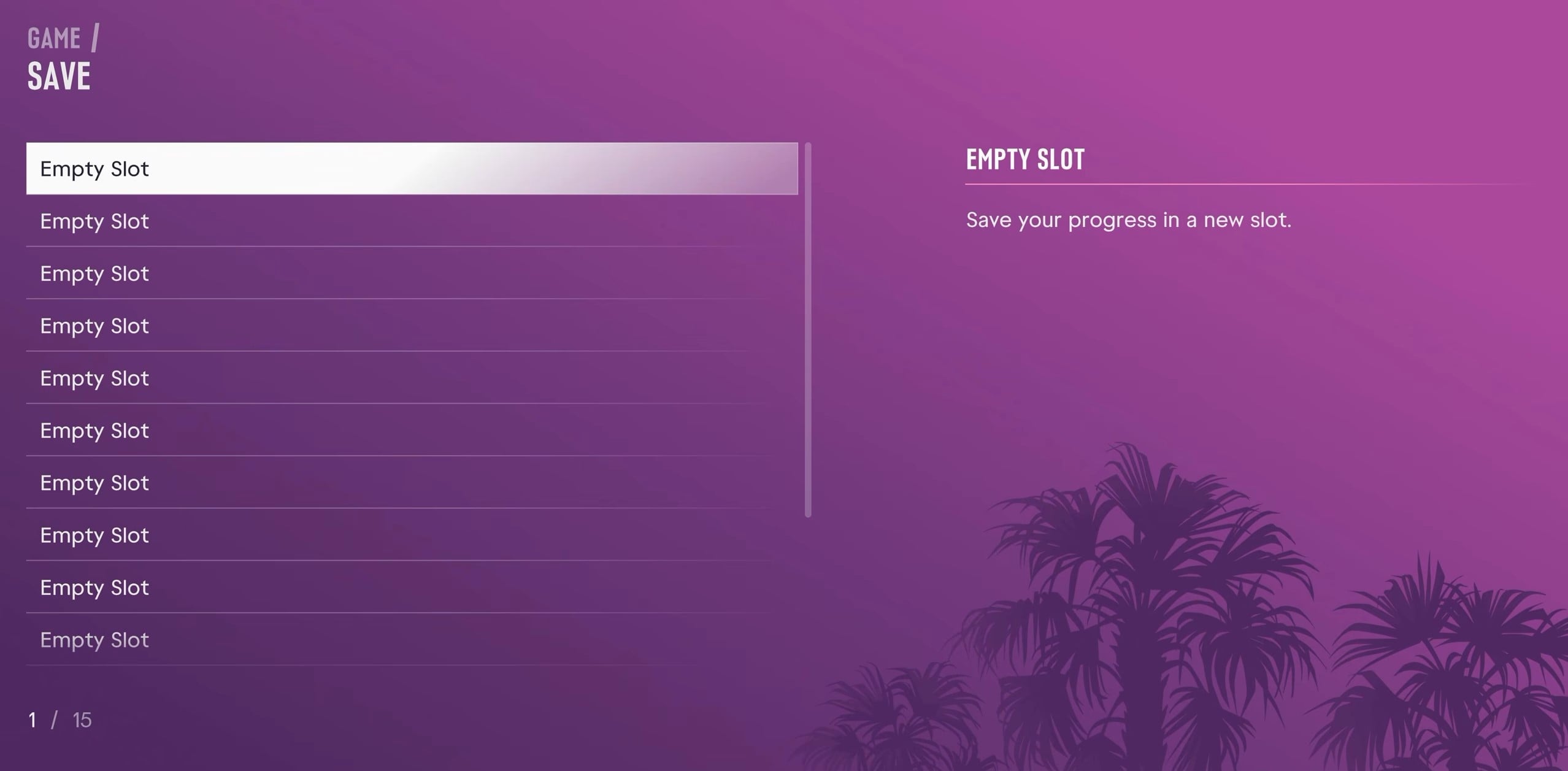
Saving is straightforward, just like in Rockstar’s previous installments. Open the pause menu, select Game, then choose Save. Pick an empty slot or overwrite a manual save you no longer need, confirm, and let it finish writing. That’s the route to use here; you don’t need to drive back home just to bank your progress. If you’re coming straight from GTA 5, go to this menu rather than hunting through the phone for Quick Save.
-
Pause GTA 6.
-
Open Game → Save.
-
Select an empty slot, or choose an existing manual save to replace.
-
Confirm and wait for the save to finish before closing the game.
I’d make a fresh save before a big purchase or a session of causing trouble. There’s a huge difference between deliberately reloading after a stupid experiment and realizing you’ve overwritten the only copy of your main run. Check the slot before confirming, particularly if you’ve got another playthrough on the go.
Autosave Is Сonvinient, but Keep Your Own Backups
GTA 6 saves automatically as you play, so you don’t have to stop and open the menu after every little thing. The catch is that autosave uses one slot, which gets automatically updated as you progress. That could be a huge trouble if you rely on autosave alone - it gives you a recent point to return to, but you’ll have no way to replay a story mission or roll back to a point where you didn’t buy a gun you ended up not liking that much, etc. That’s why I’d leave autosave on and still make lots of manual saves: they do different jobs, and you definitely should be using both, especially since this time around you don’t have to return to your bed to save.
Say you want to spend half an hour picking fights and seeing how far you can push the wanted system. Save first, mess around, then reload that file when you’re done - or not, if everything works out well. Waiting until after everything goes sideways is not very wise, and having a rollback point definitely wouldn’t hurt. I also wouldn’t treat a mission’s retry checkpoint as a backup for the entire session; before quitting, check what’s actually recorded in the save list to not lose any progress since stuff like making long car trips can be left completely unrecorded by the autosave system.
How to Make Use of the 15 Save Slots
GTA 6 gives you 15 manual save slots plus the autosave. Sounds like plenty, but that’s until you start saving manually before every story mission. There’s no mission replay, which makes an older save worth keeping if you want to revisit a certain part of the story - and doing so will eat up your slots very quickly. Here’s how to decide whether a save slot is worth keeping:
|
Save to keep |
When I’d make it |
|---|---|
|
Current progress |
Before logging off or after a decent stretch of missions and side content. Rotate a few slots for this. |
|
Chapter backup |
At the beginning of a new chapter, so there’s an earlier point to return to. |
|
Before messing around |
Before testing an expensive purchase, going on a rampage, or trying cheats. |
I think chapter saves are the best ones to keep. Once you set aside a chapter save, leave it alone - use some of the slots for everyday progress. And if you load an older backup to replay something, save that session into a different slot. Otherwise, it’s easy to mix up your current run with the one you only loaded for a quick look.
Why Won’t GTA 6 Let You Make a Save?
If you’re in an active mission and Save is unavailable, finish the current objective and check again once you’re back in free roam. For an actual save error, read the message before restarting: you might get a storage warning that calls you to free up space.
Check out other helpful GTA 6 guides:
